Currently, Eidoro helps you manage and track known restaurant offers in one place.
We don’t partner with restaurants yet, so offers aren’t redeemed through the app. Claiming an offer simply marks it as used and removes it from your feed.
We encourage you to stay tuned for future updates as these things may change!
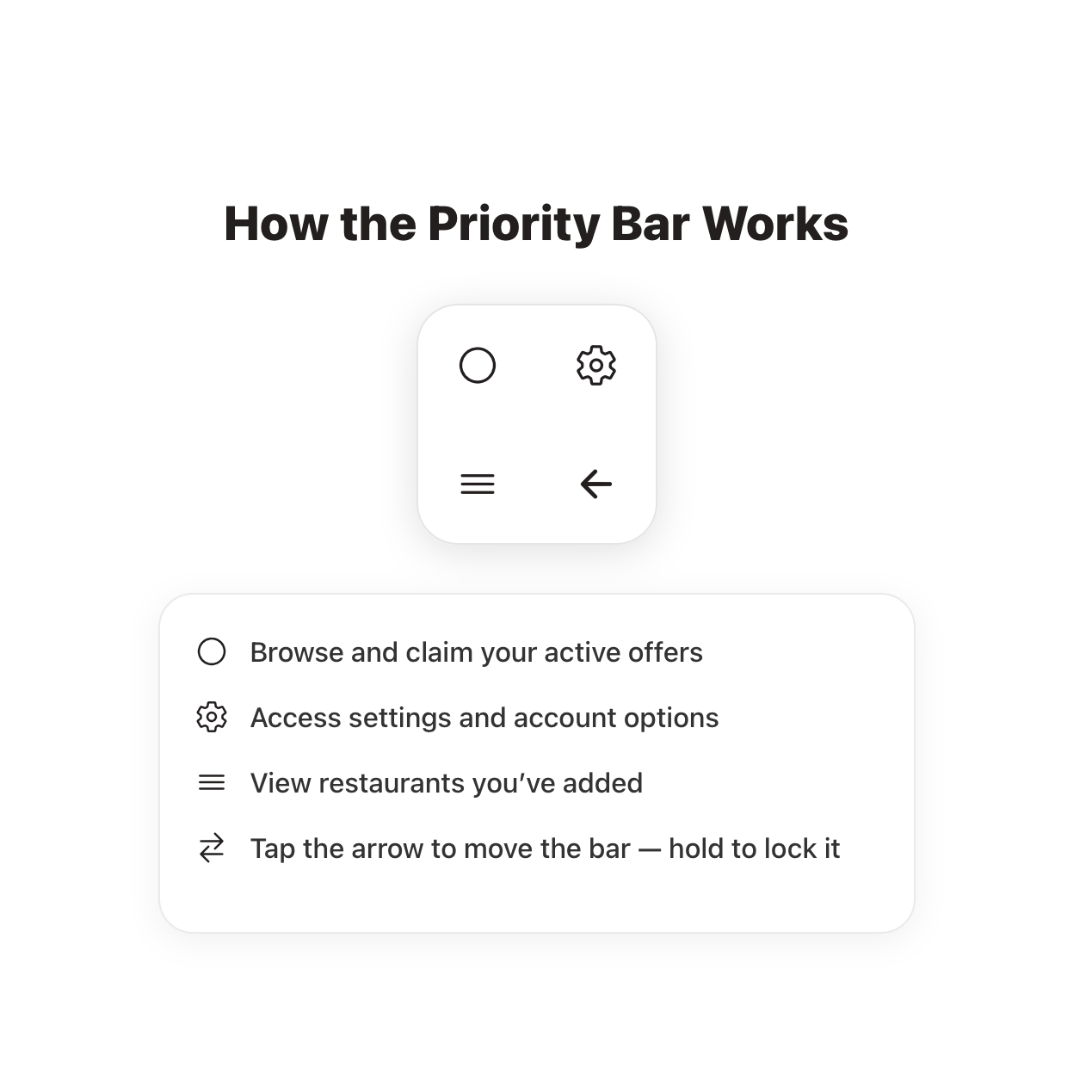
How to add a Restaurant
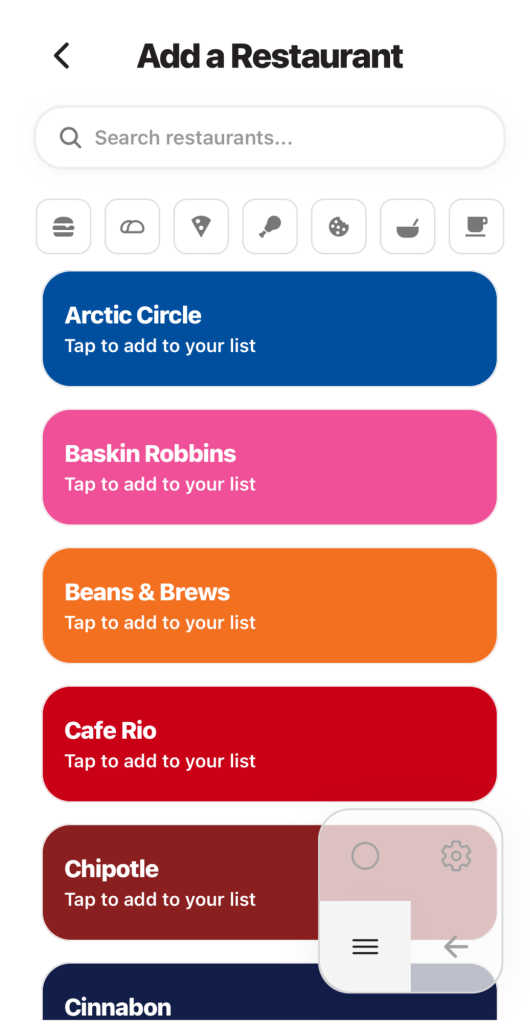
Add your favorite restaurants
Choose the places you love, Eidoro builds your personalized offers feed around them.
Navigate to the Restaurants Tab, choose Add Restaurant to add that restaurant’s current offers to your list!
If there’s not a restaurant listed, please use this form to request it!
Form!
How to add an offer we’re missing
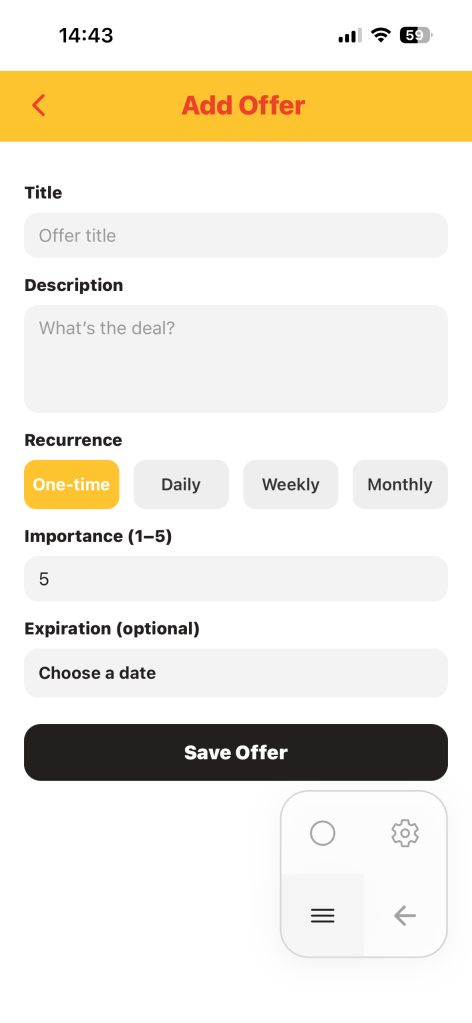
If there’s an offer missing, Eidoro makes it easy to add it.
In the selected Restaurants view, click the “+” icon to add an offer. This form will pop up.
The Importance field is the one that determines the sort in your Offers Tab and in the restaurants home view.
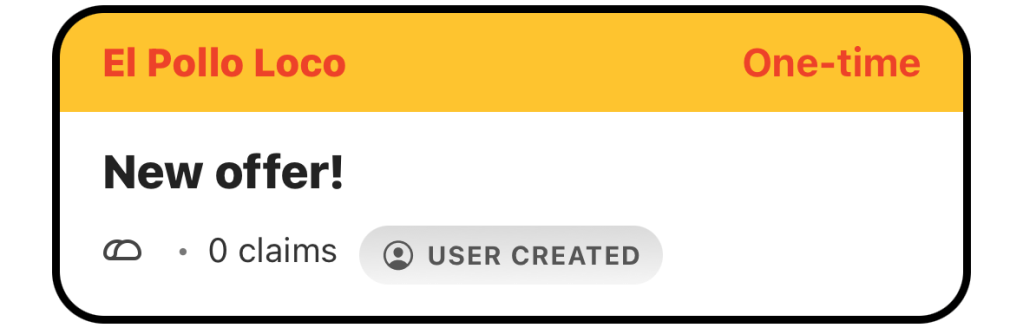
User created offers have a special pill icon on the bottom of the card. This grants the ability to swipe right on the card to edit the offer incase you made a mistake!
How to Claim an offer
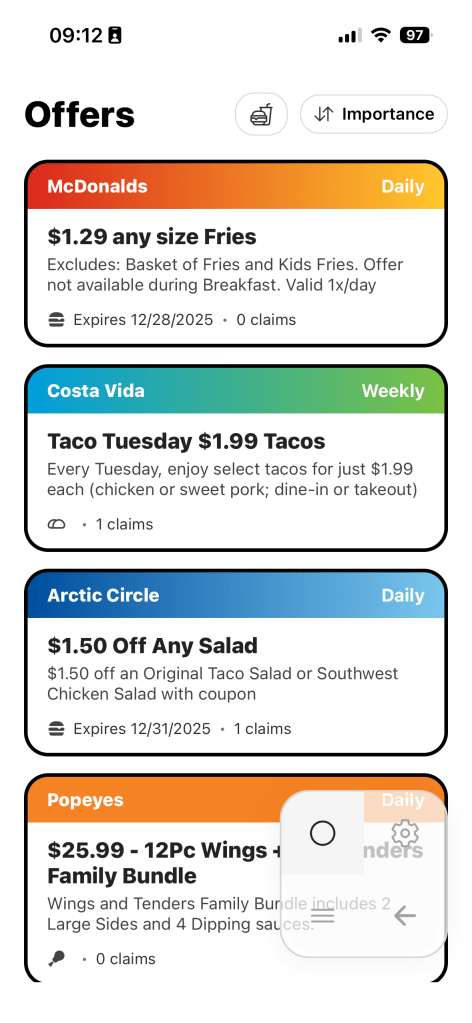
Your personal screen filled with offers you want to see!
In the Offers Tab you can see all offers from the restaurants you have added. To claim, swipe left! Claim any that are cluttering your space!
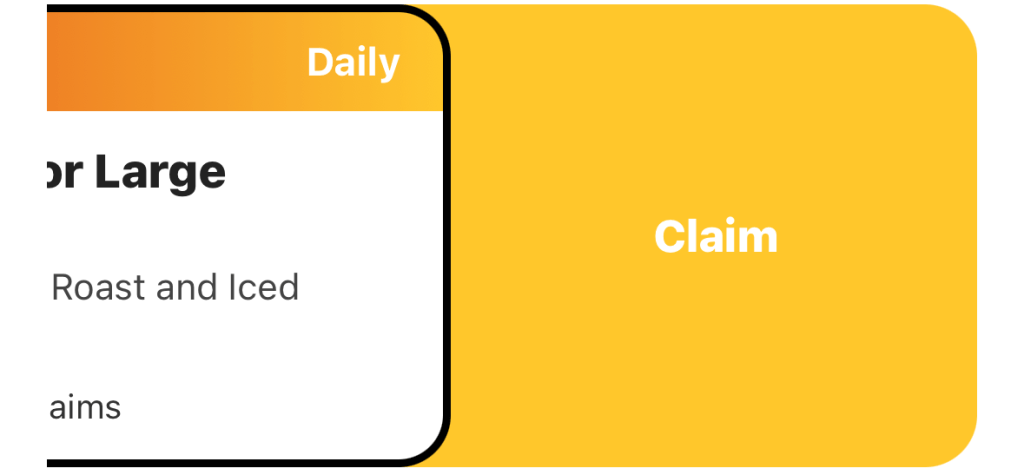
If you’ve made a mistake and claimed one you didn’t mean to, navigate to the restaurants tab > scroll to bottom > Recently Claimed > swipe right on the offer to unclaim
 eidoro